High Performance WordPress Engineered for Speed
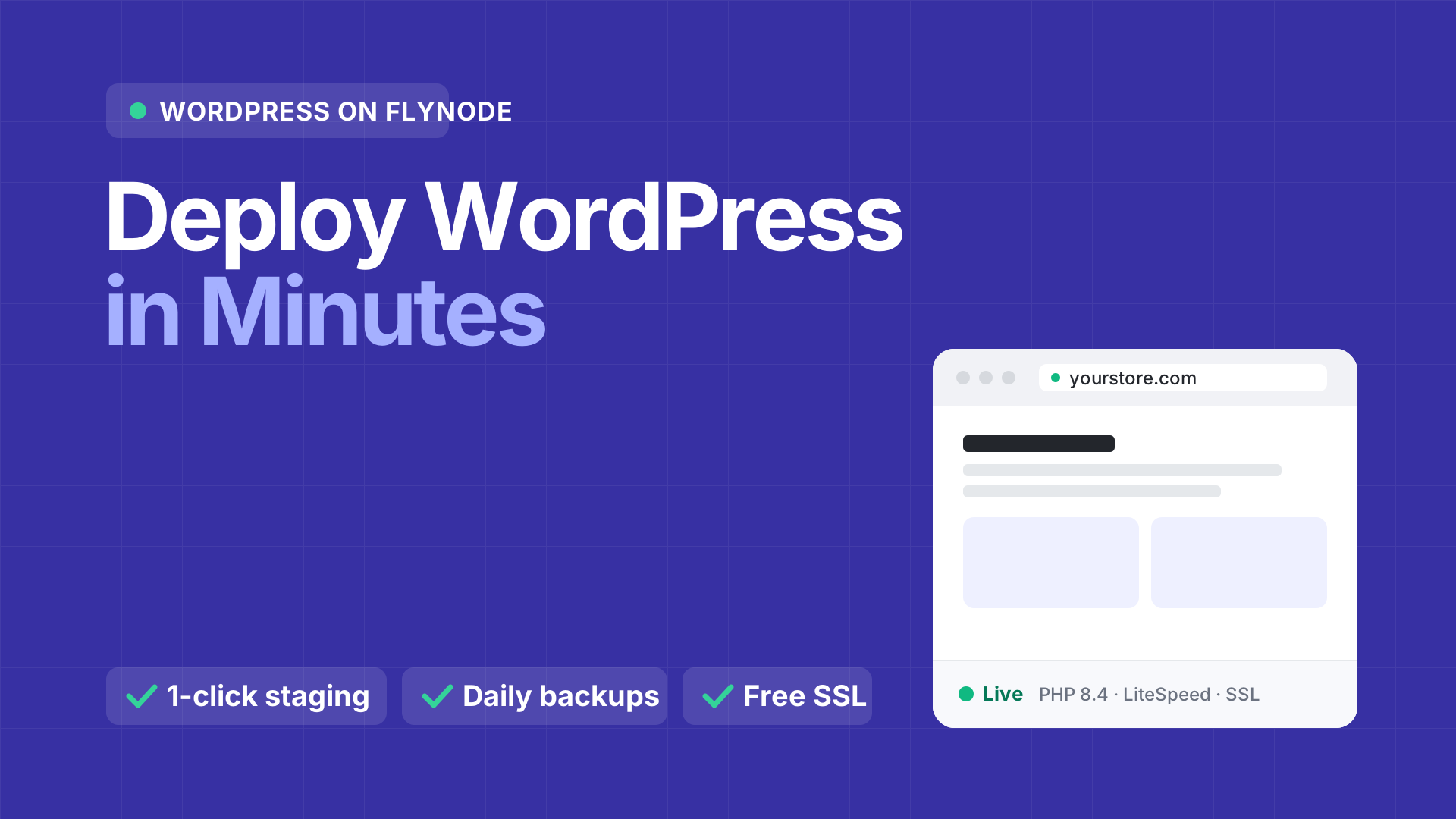
Containerized WordPress powered by native OpenLiteSpeed, Redis Object Caching, one-click staging sandboxes, and automated database URL migrations. Starts at just $7.95/month with zero server management.
- OpenLiteSpeed + LSCache
- Redis object cache
- 1-click staging
- Nightly backups
Plugin update: WooCommerce
Tested on staging
Running the previous version
 1:53
Watch the tour: update WordPress without fear. 1:53
Real-world benchmarks
Why OpenLiteSpeed & Redis Outperform Everything Else
Traditional WordPress hosts rely on Apache or basic Nginx proxies. FlyNode runs on OpenLiteSpeed with kernel-level LiteSpeed Cache and a dedicated in-memory Redis instance for unmatched throughput.
Time to first byte
38ms
Cached pages leave the server before PHP ever runs, so the first byte reaches the visitor almost at once.
- 5.8×
- faster than a modern cloud VPS (220 ms)
- 12.9×
- faster than shared hosting (490 ms)
Time to first byte
Lower is better. Same store, same test, three kinds of hosting.
FlyNode
OpenLiteSpeed + Redis
38 ms
Modern cloud VPS
Nginx + PHP-FPM
220 ms
Traditional shared hosting
Apache + cPanel
490 ms
A faster first byte improves Core Web Vitals and helps search rankings.
- 01 · LSCache
10x
more concurrent visitors without crashing
Native LSCache Engine
LiteSpeed Cache communicates directly with the OpenLiteSpeed web server kernel. Cached HTML pages bypass PHP execution entirely, saving over 90% CPU overhead.
- 02 · Redis
< 2ms
database query lookup times
Dedicated Redis Cache
Repeated database queries from WooCommerce, membership portals, and plugins are stored directly in high-speed RAM. Cart and checkout responses remain sub-second.
- 03 · HTTP/3
3x Faster
connection handshakes on mobile
HTTP/3 & QUIC Native
Next-generation UDP transport provides zero-round-trip handshakes. Mobile visitors with lossy or switching cellular networks load pages with zero lag.
Platform superpowers
Everything Traditional WordPress Hosting Left Out
Say goodbye to clunky cPanels, broken database migrations, and slow FTP uploads. FlyNode gives you modern DevOps tools built right into a beautiful dashboard.
Test updates risk-free without touching live sales
Spin up an isolated staging replica of your entire WordPress store in 15 seconds. Upgrade WooCommerce, test new checkout plugins, or redesign your theme with complete peace of mind.
- Completely isolated database and filesystem
- Dedicated preview URL (staging-yourapp.flynode.io)
- Automatic passwordless WP-Admin login
Automated Domain & Database URL Migration
Switching domains usually corrupts serialized PHP arrays in WordPress databases. FlyNode features a native WP-CLI search-and-replace engine with automatic DNS verification.
Browser File Manager & 1-Click WP Login
Forget slow FTP software or hunting for lost passwords. Open our full web file manager directly from the dashboard to edit wp-config.php, extract zips, and sign in to WP-Admin with one click.
Dedicated Redis 7 Instance
Each site runs its own isolated Redis container in RAM. Complex SQL queries and WooCommerce cart sessions load in milliseconds.
Docker Container Isolation
Zero noisy neighbors. Your PHP processes, web server, and database run in a dedicated sandbox with 100% guaranteed CPU & RAM.
Zero-Config Auto SSL
Point your domain, and FlyNode provisions an authentic Let's Encrypt certificate in seconds with automatic background renewal.
Built for teams
Work the way agencies do: Git, staging, live
Code travels in Git, content travels with Push to Production, and every step to the live site has a way back.
- Step 1
Push your code
Keep your theme or plugin in a private GitHub, GitLab or Bitbucket repository. FlyNode reads it with a read-only key made for your site, so there is no password or token to share.
- Step 2
Check it on staging
A push to your staging branch updates the staging copy of your site. Try it there with real content before anyone else sees it.
- Step 3
Go live, with a way back
Press Deploy to live, or let a push to your live branch do it. FlyNode checks the site afterwards and restores the previous version by itself if something breaks.
Stack architecture
Inside the FlyNode WordPress Engine
See how every visitor request travels through our multi-tiered caching pipeline to ensure peak performance under intense traffic spikes.
- STEP 010ms latency boost
Visitor Request (HTTP/3 & QUIC)
Inbound traffic reaches your custom domain with automatic SSL termination and 0-RTT handshakes over UDP.
Fully automated setup
- STEP 0238ms TTFB
OpenLiteSpeed + Kernel LSCache
Static and cached page requests are served directly from server memory without touching the PHP interpreter.
Fully automated setup
- STEP 0398%+ Hit Rate
In-Memory Redis Object Cache
Dynamic WooCommerce carts, user logins, and post queries check Redis RAM before touching disk-bound SQL tables.
Fully automated setup
- STEP 04NVMe SSD Protected
High-Performance MariaDB 11
Uncached writes and new transactions execute on an optimized, containerized MariaDB database with persistent SSD volumes.
Fully automated setup
PHP 8.4
With OPcache enabled
Redis 7
In-memory object cache
MariaDB 11
InnoDB Buffer Optimized
100% NVMe
Ultra-fast persistent SSDs
Effortless migration
Migrate Your WordPress Site in 3 Simple Steps
Moving away from slow shared cPanel hosting or overpriced managed hosts? Transfer your site with zero downtime and no local file downloads.
- 01One pluginW PluginsActivesend-to-flynode.zip Installed
Install Send to FlyNode
Upload our small Send to FlyNode plugin in your old site's WordPress admin and activate it. Your old site keeps running, untouched.
Old site stays live
- 02One buttonOld HostFlyNodeCode: fn_live_92f...Send
Paste a Transfer Code and Send
Create a transfer code in FlyNode, paste it into the plugin and press Send. The database, themes, plugins and media upload straight from your old host, and FlyNode builds the new site.
Site live on FlyNode
- 03Zero Broken Linksyourdomain.com SSL LiveURL Migration Tool: Serialized DB Safe siteurl & home cleanly updated
Point Your Domain
Add your domain, set the DNS records FlyNode shows you, and SSL is issued for you. Then run the built-in Domain and URL Migration (dry run first) to swap the old address inside your content.
Zero 404 image errors
How to Move Your WordPress Site to FlyNode
The step-by-step guide: the plugin, the transfer code, what is copied, and what to do if something fails.
WordPress hosting is no longer offered
New WordPress Workspaces can no longer be ordered. If you already host a site with FlyNode, it keeps working as before.
A Cloud Workspace runs apps such as n8n, Ghost and your own code from GitHub.
See Cloud Workspace plansBackups & restore
Backups saved away from your server
Backed up every night, restored by day in a click.
Backups
Back up nowStorage
Cloudflare R2, encrypted
Away from your server
Schedule
Every night
Kept for up to 7 days
- Today, 03:00 · Nightly412 MB Restore
- Yesterday, 16:42 · Back up now409 MB Restore
- Sun, 03:00 · Nightly405 MB Restore
Saved away from your server
FlyNode saves each backup, encrypted, in Cloudflare R2 storage. It is not on the same machine as your site.
Every night, kept up to 7 days
Every site is backed up each night, and you can press Back up now (up to 3 times a day) before a big change.
Restore by day
Pick a day and bring back everything, only the database, or only the files. A safety backup is made first, so you can go back.
Take the database with you
Download the database of any backup from the Backups tab.
A backup holds the site's files and its database.
Read the backup guideCompare and learn
Read before you decide
FAQ
Good questions, short answers
Everything you need to know about FlyNode High Performance WordPress Cloud Hosting.
OpenLiteSpeed is an event-driven, high-performance web server that includes native LiteSpeed Cache (LSCache) engine built directly into its core. Unlike Apache or standard Nginx setups which have to boot the full PHP runtime on every request, OpenLiteSpeed serves cached HTML directly from memory in ~30ms, handling 10x more concurrent traffic with zero slowdown.
Still have a question?
Ask us and a person will answer.